
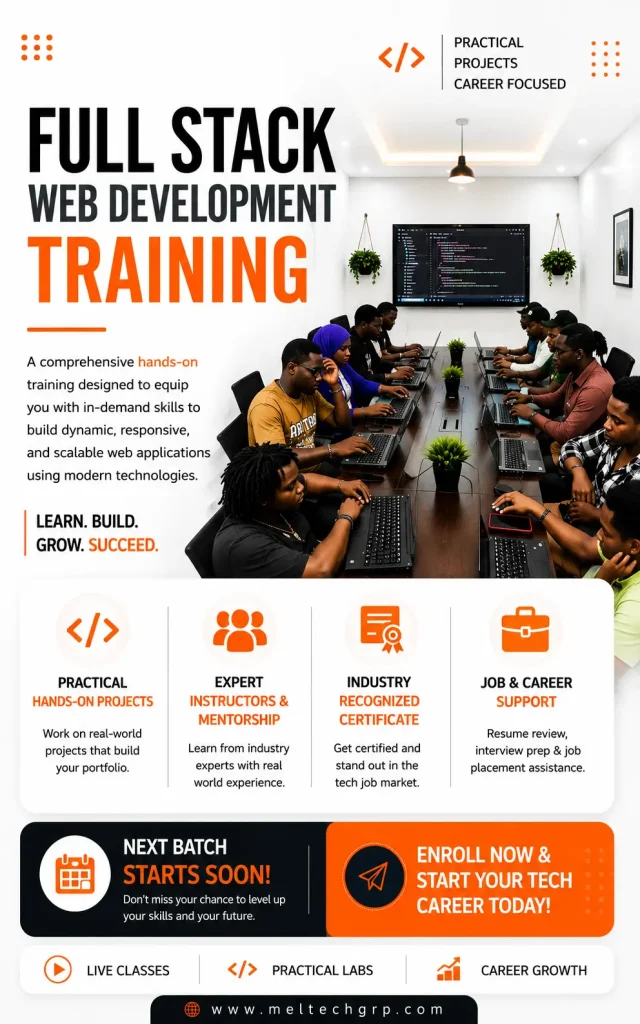
Full Stack Web Development
Hands-on web development training in Port Harcourt
2 months per level
Three levels
Beginner-friendly
Novice to advanced
Classes from 10am
Time depends on package
Certificate
Of completion
From ₦200,000
React (2 months): ₦250,000
Next.js and TypeScript (2 months): ₦350,000
- Live, instructor-led classes
- Practical exercises and projects
- Certified, experienced trainers
- Certificate of completion
Go from first page to full-stack applications.
Web development foundations
- Terminal basics
- HTML
- CSS and SCSS
- Git and GitHub
- Capstone: a responsive multi-page website
Frontend development with React
- Development environment setup
- Tailwind CSS and JavaScript
- React fundamentals and state management
- Hooks, routing and forms
- API integration, testing and deployment
- Capstone: a React application deployed on Vercel
Next.js and TypeScript
- TypeScript fundamentals
- Next.js App Router and rendering strategies
- Server actions, authentication and databases
- API routes, testing, performance and SEO
- Capstone: a production-ready Next.js application
Web development foundations.
Terminal Basics
- What is the terminal and why developers use it
- Navigating the file system (cd, ls, pwd)
- Creating and managing files and folders (mkdir, touch, rm)
- Installing software via the terminal
- Terminal shortcuts and tips
HTML
- What is HTML and how the web works
- Document structure and boilerplate
- Headings, paragraphs, lists
- Links and images
- Forms and inputs
- Semantic HTML (header, nav, main, footer, section, article)
- Accessibility basics
CSS & SCSS
- What is CSS and how it connects to HTML
- Selectors, properties and values
- The Box Model
- Typography and colours
- Flexbox
- CSS Grid
- Responsive design and media queries
- CSS variables
- Transitions and simple animations
- What is SCSS and why it exists
- Variables and nesting in SCSS
- Mixins and functions
- Partials and imports
- Compiling SCSS
Git & GitHub
- What is version control and why it matters
- Installing and configuring Git
- Core concepts: repos, commits, branches
- Essential commands (init, add, commit, status, log)
- Branching and merging
- Resolving merge conflicts
- GitHub: pushing and pulling
- Pull requests and basic collaboration workflow
Capstone Project
A fully styled, responsive multi-page website using HTML, CSS/SCSS, Tailwind, JavaScript and Git for version control throughout.
Frontend development with React.
Development Environment Setup
- What is NVM and why we use it over installing Node directly
- Installing NVM and Node.js
- npm basics
- Setting up a React project with Vite
- VS Code extensions for React
- Project structure walkthrough
Tailwind CSS
- What is JavaScript and what it does
- Variables, data types and operators
- Conditionals and loops
- Functions
- Arrays and objects
- DOM manipulation
- Events and event listeners
- ES6+ (arrow functions, destructuring, spread, template literals, modules)
- Fetch API and working with JSON
- Async/Await basics
- Error handling
React Fundamentals
- What is React and why it exists
- JSX — writing HTML in JavaScript
- Components — functional components
- Props — passing data between components
- Rendering lists and conditional rendering
- Importing and exporting components
State Management
- What is state and why it matters
- useState hook
- Handling user events
- Controlled components and forms
- Lifting state up
Component Lifecycle & Hooks
- useEffect hook
- Fetching data from APIs with useEffect
- useRef
- useMemo and useCallback
- Custom hooks
Routing
- What is client-side routing
- Setting up React Router
- Dynamic routes and route parameters
- Nested routes
- Programmatic navigation
- Protected routes
Global State Management
- Context API — what it is and when to use it
- Creating and consuming context
- Introduction to Zustand
- When to use Zustand vs Context API
Form Handling
- Controlled vs uncontrolled forms
- Form validation
- React Hook Form
- Error messages and UX best practices
API Integration
- RESTful APIs recap
- Fetching data with fetch and Axios
- Loading and error states
- Environment variables in React
UI Component Libraries
- Why use a component library
- Introduction to shadcn/ui
- Building pages with pre-built components
- Customising components
Performance Optimization
- React DevTools
- Avoiding unnecessary re-renders
- Lazy loading and code splitting
- Memoization with useMemo and useCallback
Testing
- Why testing matters
- Introduction to Jest
- Testing components with React Testing Library
- Writing unit and integration tests
Deployment
- Building for production with Vite
- Deploying to Vercel
- Environment variables in production
- Custom domains basics
Capstone Project
A fully functional React application from scratch — pulling from a public API, with routing, global state, forms, and deployed live on Vercel.
Frontend with Next.js and TypeScript.
TypeScript Fundamentals
- What is TypeScript and why it exists
- TypeScript vs JavaScript
- Setting up TypeScript in a project
- Basic types (string, number, boolean, array, object)
- Type inference
- Interfaces and type aliases
- Union and intersection types
- Generics basics
- TypeScript with React typing props, state and events
- Enums and utility types
Introduction to Next.js
- What is Next.js and how it differs from React
- The App Router vs Pages Router
- Project structure walkthrough
- File-based routing
- Creating pages and layouts
- Linking between pages
- Global styles and fonts
Rendering Strategies
- What is rendering and why it matters
- Client-side rendering (CSR)
- Server-side rendering (SSR)
- Static site generation (SSG)
- Incremental static regeneration (ISR)
- When to use each strategy
- Server components vs client components
Data Fetching
- Fetching data in server components
- Fetching data in client components
- Loading and error states
- Caching and revalidation in Next.js
- Working with external APIs
- Environment variables in Next.js
Next.js App Router Deep Dive
- Nested layouts
- Dynamic routes and route parameters
- Parallel and intercepting routes
- Route groups
- Loading UI and Suspense
- Error boundaries
Server Actions & Forms
- What are server actions
- Building forms with server actions
- Form validation on the server
- Optimistic UI updates
- useFormState and useFormStatus
Authentication
- Authentication options in Next.js
- Setting up NextAuth.js
- Social login (Google, GitHub)
- Protecting routes and pages
- Session management
- Role-based access control basics
Database Integration
- Why Next.js can connect to databases directly
- Introduction to Prisma ORM
- Connecting to a database (PostgreSQL or SQLite)
- CRUD operations with Prisma
- Using Prisma in server actions and API routes
API Routes
- What are API routes in Next.js
- Creating REST API endpoints
- Route handlers (GET, POST, PUT, DELETE)
- Middleware in Next.js
- Securing API routes
UI & Styling
- Tailwind CSS recap and advanced patterns
- shadcn/ui in Next.js
- Dark mode implementation
- Animations with Framer Motion
- Building responsive layouts
Testing
- Testing Next.js applications
- Unit testing with Jest and React Testing Library
- End-to-end testing with Playwright
- Testing server components and API routes
Performance & SEO
- Next.js Image optimisation
- Font optimisation
- Metadata API for SEO
- Open Graph and social sharing
- Core Web Vitals and Lighthouse
- Analyzing and improving bundle size
Deployment
- Deploying to Vercel
- Environment variables in production
- Connecting a custom domain
- Monitoring and analytics basics
- CI/CD basics with GitHub Actions
Capstone Project
Full production-ready Next.js application — with authentication, database, server actions, TypeScript throughout, optimised for SEO and performance, and live on Vercel/Netlify.
Choose your level.
₦200,000
- Terminal, HTML, CSS and SCSS
- Git and GitHub
- Responsive website capstone
₦250,000
- React, hooks and routing
- Forms, APIs and global state
- Testing and deployment
₦350,000
- TypeScript and the App Router
- Authentication and databases
- SEO, testing and deployment
Before you apply.
Do I need to know how to code?
No. The course is designed for novices as well as developers who want to deepen their skills. It starts with the terminal, HTML and CSS.
Do I have to take all three levels?
Each level is a separate 2-month course with its own capstone project. Speak to our admissions team about the right starting level for you.
Do I get a certificate?
Yes. You receive a certificate of completion when you finish the course.
What time are classes?
Classes start from 10am. The exact schedule depends on the package you choose, and our admissions team will confirm it when you apply.
How do I apply and pay?
Complete the application form at the bottom of this page or message us on WhatsApp. Our payment terms and conditions are linked in the tuition card at the top of the page.
- Live, instructor-led classes from 10am
- Practical exercises and projects
- Certified, experienced trainers
- A capstone project at every level
- Certificate of completion
Call +234 705 9999833





Start your journey.
More Courses
Explore More Courses
Learn Python from scratch and build real programs, from your first line of code to web apps.
Build Android and iOS apps from scratch with React Native or Flutter.
Create intuitive, user-centred digital experiences with Figma, prototyping and real projects.
